

Most people think their photos are backed up, because they’re on their phone, their computer, and in the cloud. Everything shows up everywhere, nothing looks broken, and it all feels quite reassuring. So it’s very easy to assume, “That’s fine, my photos are safe.” But in most cases, what people actually have is sync, not backup. And that difference really matters, especially when something goes wrong. I’m going to explain, calmly and without tech jargon, why sync is not the same as backup, what each one is actually doing behind the scenes, and what really matters when you’re setting up a photo backup you can actually rely on.
The Two Jobs People Mix Up
This is where most of the confusion starts, because sync and backup get talked about as if they’re the same thing. They’re not. Sync is about keeping the same files in the same state across all your devices. Change something in one place, and that change happens everywhere else. It’s designed for convenience and access. Everything stays nicely in step. If you delete a photo on your phone, that deletion is treated as a change, and it gets synced everywhere. Your computer, your tablet, the cloud, all updated instantly. Backup works very differently. Backup creates a separate copy of your photos, one that doesn’t instantly change just because you’ve done something on another device. It’s not about convenience. It’s about recovery. Backup is what saves you when something goes wrong. Accidental deletions. Mistakes. Software issues. Or that horrible moment when you realise you didn’t mean to do that. So here’s the simplest way to remember the difference
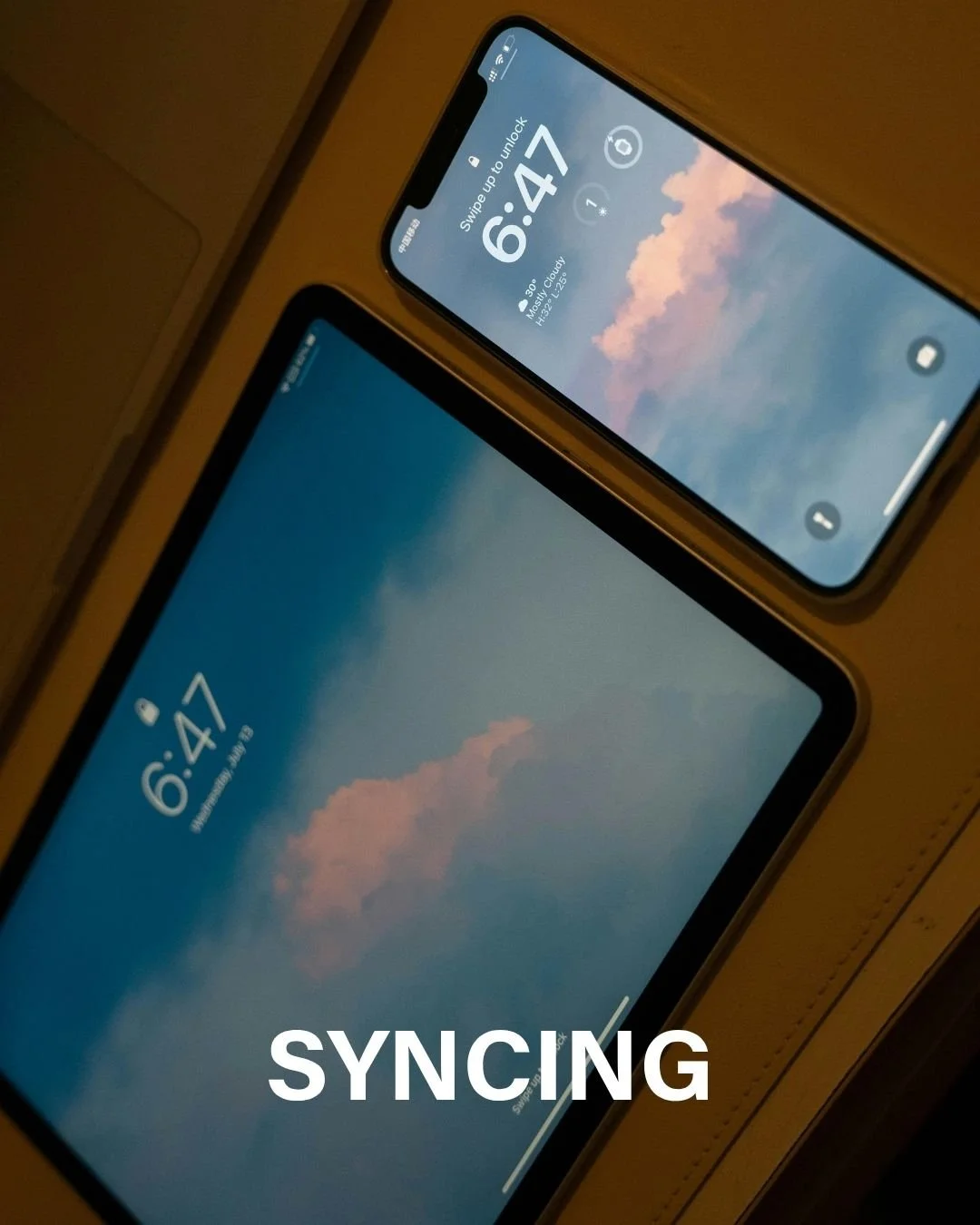
Sync mirrors your actions — Apple Photos is a good example of sync, everything stays mirrored across devices.
Backup protects you from them — Services like OneDrive or Dropbox can act as backup, but only when they’re set up and used in the right way.
And Google Photos sits somewhere in the middle, which is why it catches so many people out. What happens depends on where you delete from and how things are set up

Why Sync Is Not Backup
The real problem with relying on sync alone only shows up when something goes wrong, and that’s exactly when people realise they’re not protected. With a sync-only setup, mistakes don’t stay contained. A deletion spreads everywhere. A corrupted file replaces the good one. An account issue affects everything at once. And in more serious cases, like ransomware or a software glitch, the damage doesn’t stay local. It spreads. Because sync is designed to keep everything identical. What catches people out is how reassuring sync feels. It runs quietly in the background. Photos appear where you expect them. Nothing looks broken. So it feels like backup, even though it isn’t. And because everything looks fine right up until the moment it isn’t, people don’t realise there’s a problem until they need to recover something… and discover there’s nothing to go back to.

The Missing Piece: Separation (and Why It Matters)
The thing sync can’t give you, and what proper backup does, is separation. Backup creates distance between your copies. It gives you something to go back to, instead of instantly copying every change you make. You might hear people talk about “air gaps,” but all that really means is at least one copy that isn’t always connected and can’t be instantly affected by a mistake. That’s what protects your photos. It stops one accidental deletion from wiping out everything. It protects you from software issues, corruption, and account problems. And it gives you a genuine last line of defence when something goes wrong. You don’t need to worry about the technical details. You just need one copy of your photos that isn’t constantly watching and copying every move you make.
What Actually Matters in a Photo Backup Setup
When you strip all of this back, a good photo backup setup really comes down to three things. First, you need more than one copy. One copy is not a backup. If that one copy disappears, fails, or gets deleted, there’s nothing to recover from. As a general rule, I normally talk about having three copies of your photos, not because it has to be complicated, but because it gives you breathing room when something goes wrong. Second, those copies need to live in different places. Not all in the same account. Not all on the same device. That might mean one copy in the cloud and another on an external hard drive. Or one on your computer and one stored elsewhere. The key point is that a single problem shouldn’t be able to affect everything at once. And third, and this is the one people often miss, at least one copy that doesn’t instantly change. This is where backups really win. You need one copy that isn’t just syncing along, copying every deletion or mistake as it happens. One copy that stays put, so you have something solid to go back to if you need it. If you have those three things in place, more than one copy, in different places, with at least one that doesn’t instantly change, your photos are far better protected than most people realise.
Sensible “Ideal” Photo Setup
So if you’re wondering what a sensible photo setup actually looks like, it’s not extreme, and it’s not complicated. A good setup usually has three layers. First, your working copy. That’s your phone or your computer, the place you actually take photos, view them, and organise them day to day. Second, a sync service. This is purely for convenience and access, so your photos show up across devices, and you can get to them easily when you need to. And third, a proper backup. That might be an external hard drive. It might be your computer’s built-in backup system. And it might include a separate cloud backup, using something like OneDrive, Dropbox, or iDrive, used specifically as backup, not just sync. Each part has a job. And none of them are trying to do everything. When those layers work together, you’re protected from the things that catch people out most often. Accidental deletions. A lost or broken device. Account problems. And that horrible moment of, “I didn’t realise that would delete everything.”
What Next?
Are you still struggling and don't know how to get started with photo organising? I have put together a simple straightforward quick start guide to organising your photos which you can find here.
Take it to the next level with Photo Mess to Success®
If you’re reading to this and thinking, this all makes sense, but I still don’t know how to actually start, that’s exactly what I help with inside my Photo Mess to Success courses. They walk you step by step through sorting your digital photos first, building a structure that works for you, and then you can move on to printed photos when the time is right — without feeling overwhelmed or stuck. If you want support, clear guidance, and a plan you can follow at your own pace, you can find all the details at photomesstosuccess.co.uk.